How to reset a Samsung TV with a remote control
Important Note: The information on this page is for Hong Kong products only. Models, sequences or settings will vary depending on location and/or where the product had been purchased. To be redirected to your local support page please click here.
Watch the video on "How to reset a Samsung TV with a remote control":
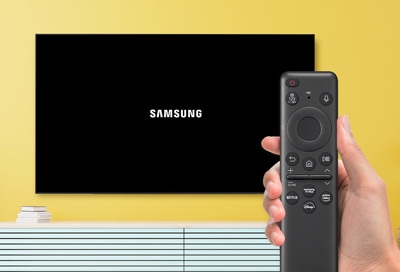
Whether you're looking to troubleshoot issues, clear out settings, or simply start anew, this guide will walk you through the process of using your remote control to seamlessly reset your Samsung TV.
If you're experiencing issues with your Samsung TV, such as slow operation or inability to launch apps, you can perform a reset using the TV's remote control.
This feature performs a software reset (reboot) rather than a factory reset.
Before proceeding, please check that you have the correct remote control paired with the TV.


You can check if the issues you were experiencing were revolved with the reset.
Please note: device screenshots and menus may vary depending on the device model.
If the above information does not match what your product is showing, you may check the User Manual for your product. If you are unable to solve the problem, please contact us for further assistance.
Thank you for your feedback!
Please answer all questions.
RC01_Static Content : This text is only displayed on the editor page