Update the Software on Samsung Smart Monitor
Last Update date : Nov 24. 2026
Please Note: This guide is designed for Australian models only. If you have an international product and require further support, please click here to get in touch with your Samsung subsidiary.
If you would like to check for the latest software updates on your Smart Monitor, simply follow the guide below to help you with updating its software.
1
Select the Home Button  on your Samsung remote
![Select Home icon on TV remote]()
 on your Samsung remote

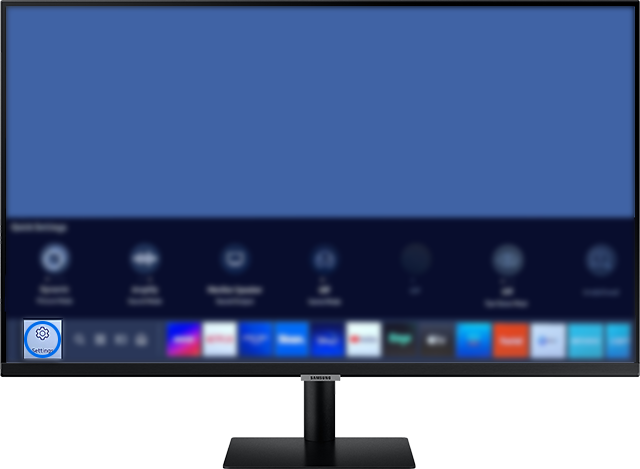
2
Click  Settings
![Select settings]()
 Settings
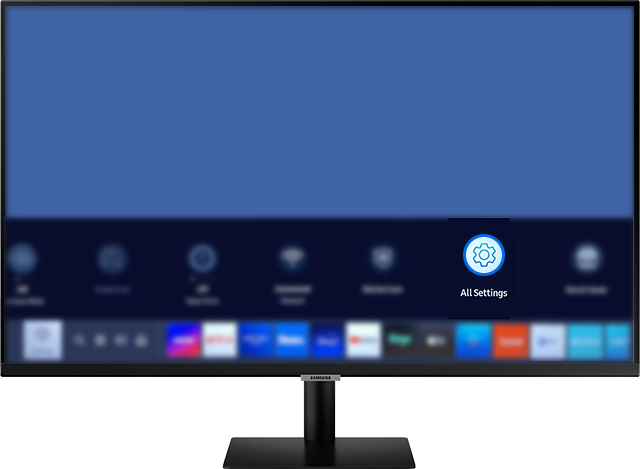
3
Navigate to and choose 'All Settings'
![Navigate to and choose All Settings]()
4
Scroll down to 'Support' then select 'Software Update'.
![Select Support then Software update]()

5
Click 'Update Now'
![Click Update now]()

For further assistance, please contact our Chat Support. To find your Samsung product's User Manual, head to Manuals & Downloads.

Thank you for your feedback!
Please answer all questions.
Contact Info
Contact us
For support buying a product, help with an order or technical product support
WhatsApp
![]()
![]()


It's now even easier to get in contact with Samsung Customer Care, now on WhatsApp.
Troubleshoot and book a repair
Support for your mobile devices, home appliances, TV and computing products