Back-up and Restore Play Time Data in Gaming Hub
 Please Note: The information on this page is for Australian products only. Models, sequences or settings will vary depending on location and/or where the product had been purchased. To be redirected to your local support page please click here.
Play time data is one of the many features on the Gaming Hub app. It provides you with useful information about the amount of time you have spent playing games. This data can be restored or backed up by using the Smart Switch app.
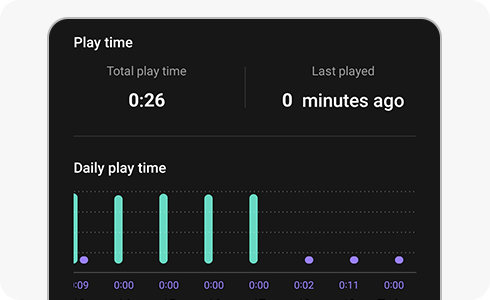
How to Back Up or Restore Play time Data using the Smart Switch app
When you clear data from Gaming Hub or reset your device, play time data can be deleted. Also, if you disable Gaming Hub and reinstall it, your previous play time data won't appear (or be recorded). You can keep the play time data safe using Smart Switch app before delete Gaming Hub and device data.
If you want to do a back-up, you must transfer your data to another device. If you want to restore your Play time data, you must transfer it from a previously used device.
Please Note: Play time data is not recorded in Gaming Hub inactivated status.
Step 1
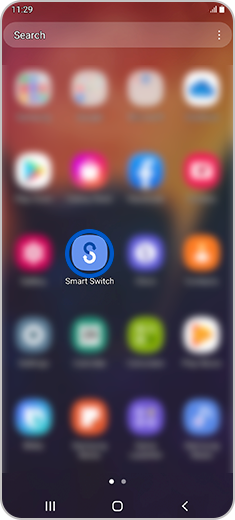
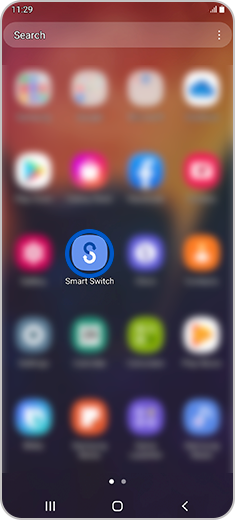
Open the Smart Switch app.
Step 2
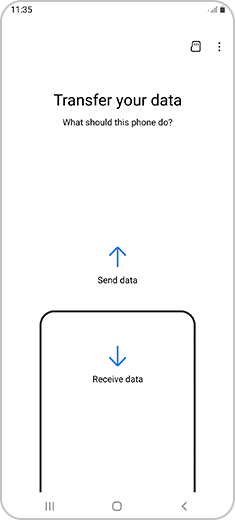
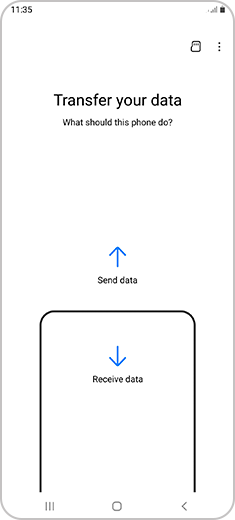
Select Send Data or Recieve Data.
Step 3
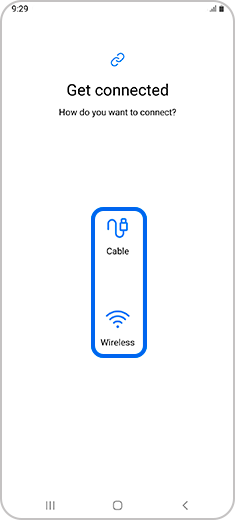
Follow the steps to connect your device to the other one.
Step 4


Select Custom and tap Next.
Step 5
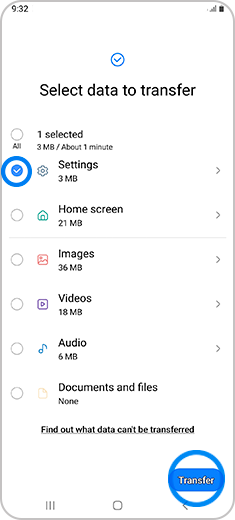
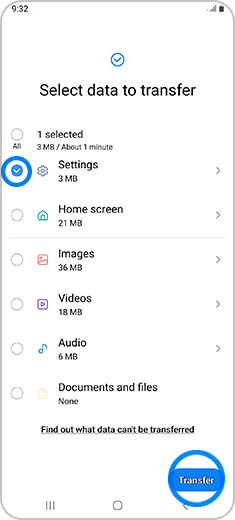
Select Settings and then hit Transfer.
If you require further assistance, please consult the user manual from our Manuals & Downloads page or contact our Chat Support team for further support.
Thank you for your feedback!
Please answer all questions.
Contact Info
Contact us
WhatsApp
![]()
![]()

